

Want to add a video review wall to your WooCommerce store? Here’s exactly how to do it using Customer Reviews for WooCommerce.

Video version:
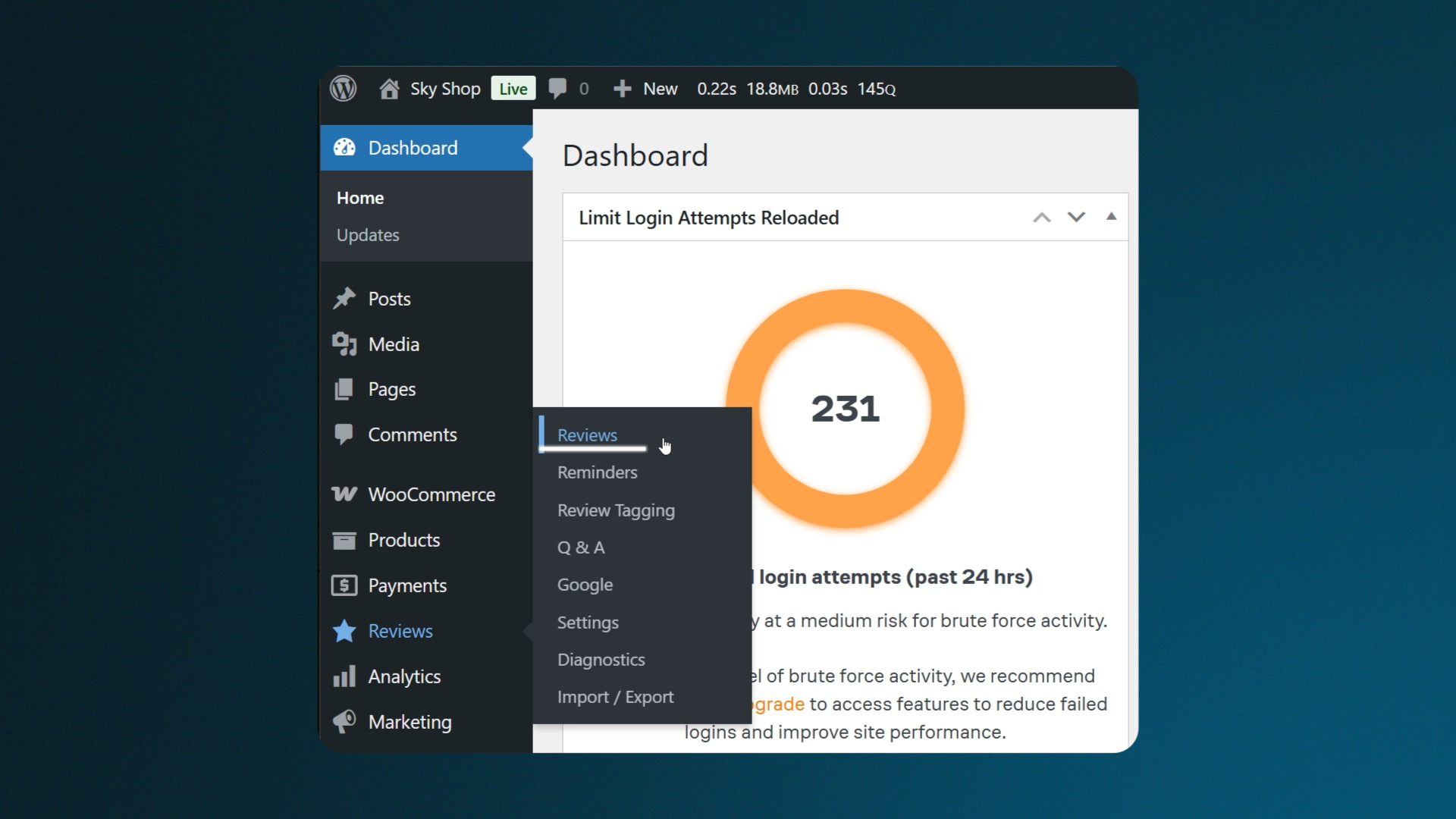
First, you need to collect video reviews. In the plugin settings, enable review reminders and allow customers to submit media in their reviews.

Send automatic review requests after purchase. Ask customers to record a short video — what problem they had, how your product helped, and if they recommend it.


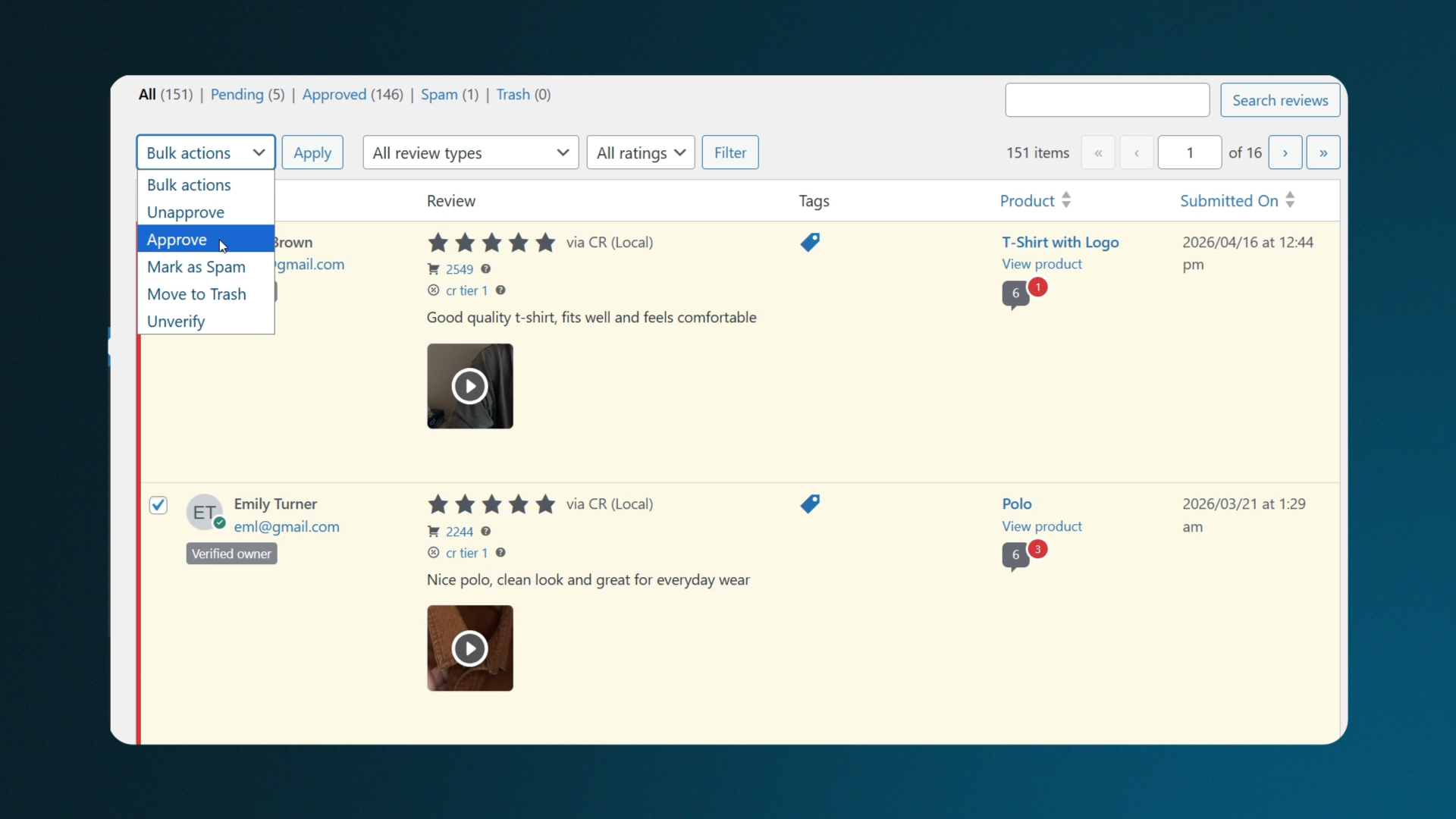
Once reviews start coming in, go to the Reviews section. Approve ONLY the ones with videos — these will be used on your wall.
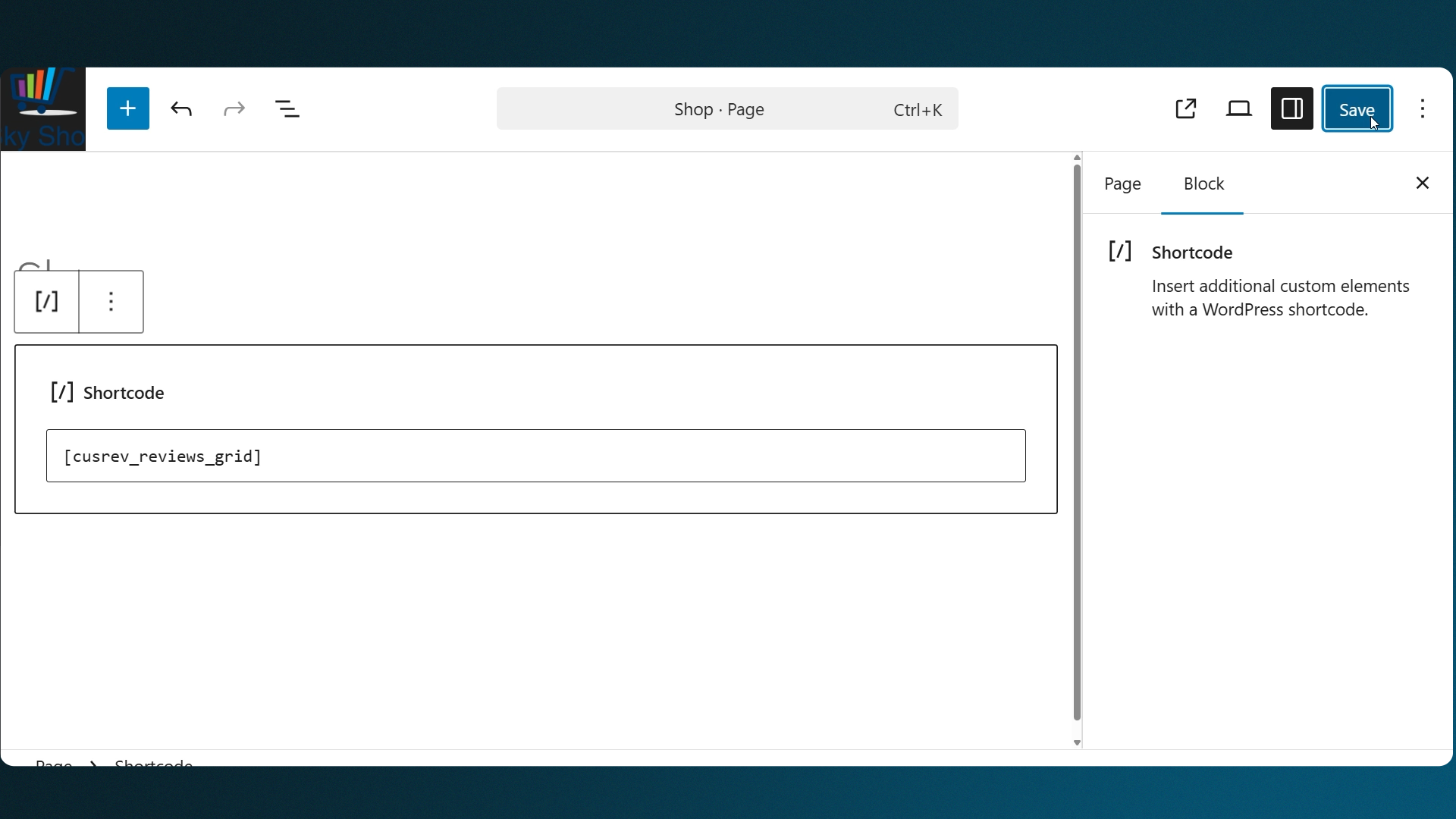
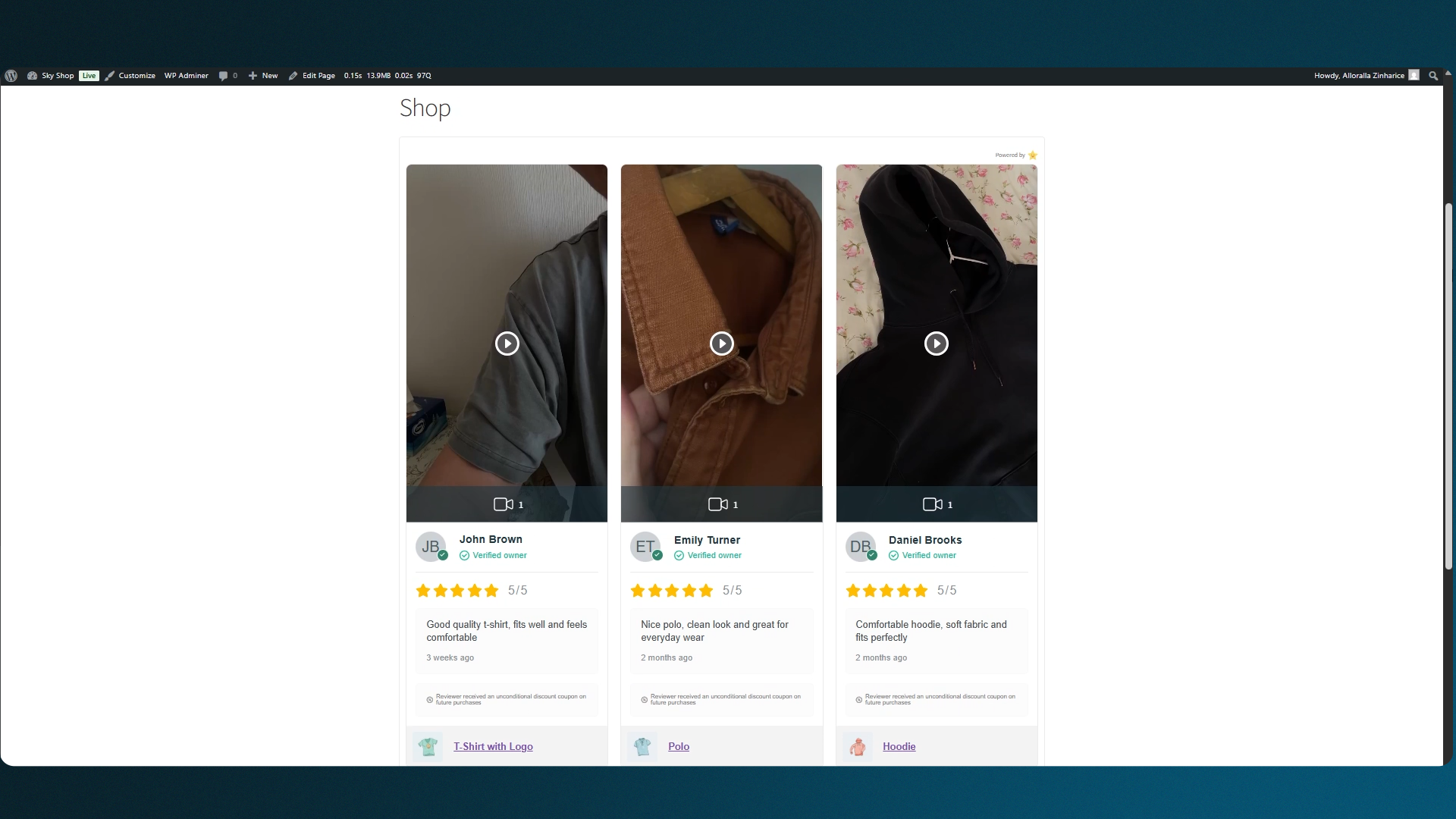
Now to display them. Place this shortcode on a product page, landing page, or right before checkout to maximize trust at the decision point.
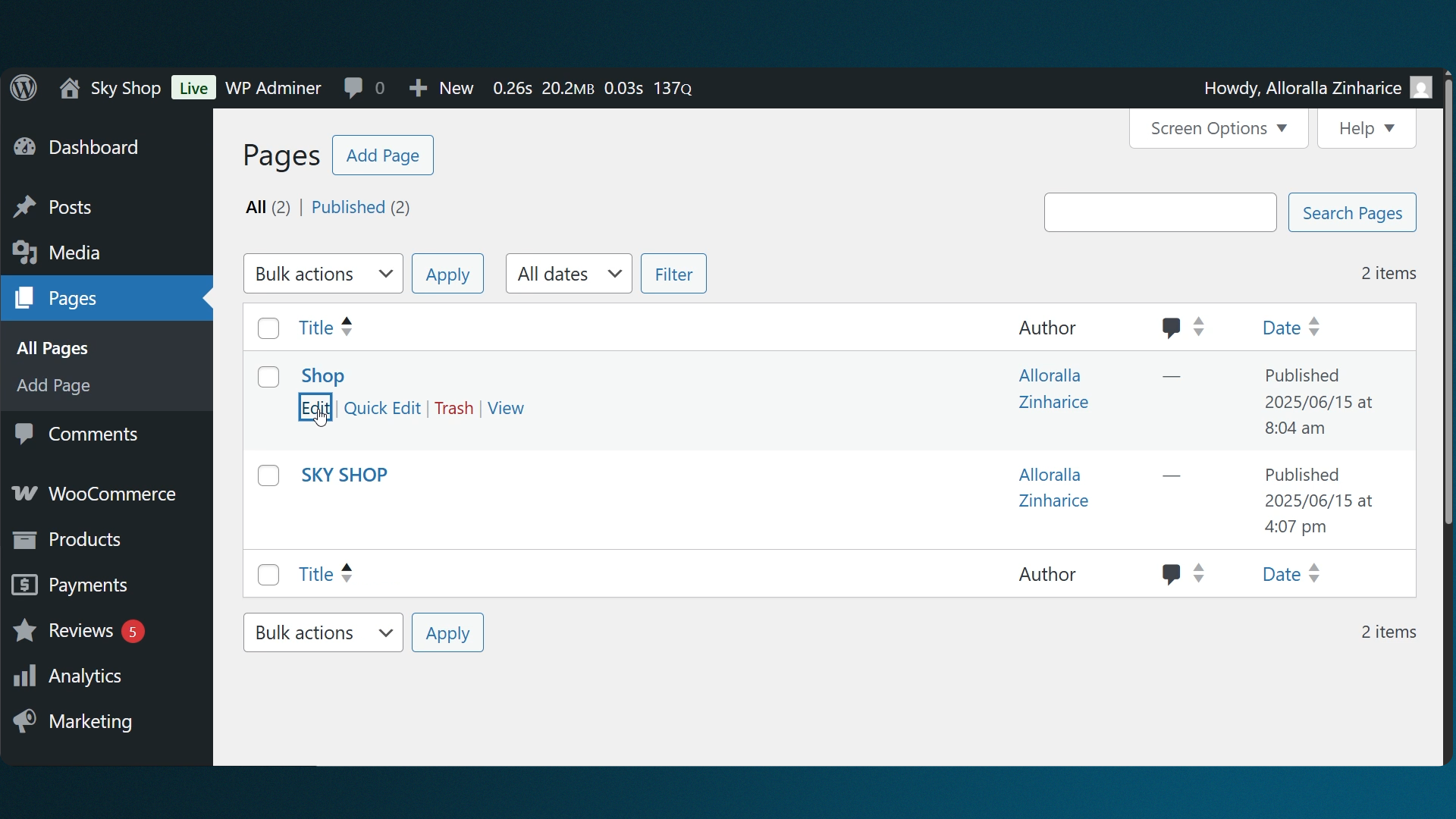
Add this shortcode to a relevant location on your checkout page:
[cusrev_reviews_grid]
That’s it — collect video reviews, approve them, and display them with a shortcode. Simple setup, but a big boost in trust and conversions.
CusRev Plugin: https://wordpress.org/plugins/customer-reviews-woocommerce/
